








Storefront Script Audit: Is Your Checkout Still Your Own?
Description
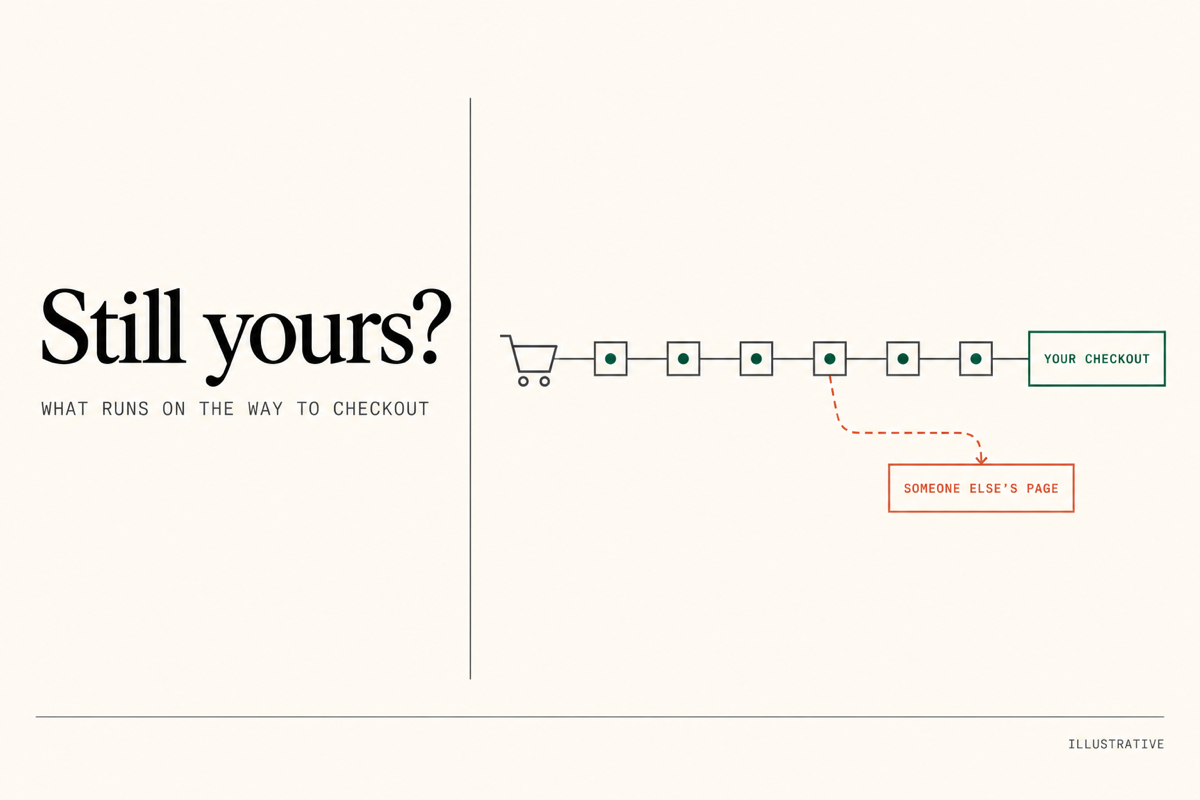
You find out what runs on the way to your checkout, and who can change it. In October 2026, a checkout attack hit Shopify stores. Shoppers clicked Checkout and landed on a fake checkout page on another website. It copied their real cart, so it looked right, and they paid someone else. I check your store for the signs. You get a written record of every app on the path to checkout. If you go ahead with a fix, I take the $285 off the fix price.
Who this is for
Maybe you run a wishlist, upsell, bundle or cart drawer app.
Maybe several developers or agencies have worked on your store over the years.
Maybe you have apps switched on that nobody on your team can explain.
Maybe you read about the checkout attack and want someone to look properly.
It fits any Shopify store that runs apps on its pages.
Why it matters
The attack did not need anyone to touch your theme. In the case traced in full, the bad code came from an app company’s own server. It hid inside a setting as plain as a button label. Nothing showed up in the theme files.
It also stays behind. The app saved the bad setting in each shopper’s browser. Turning the app off did not clear what shoppers had already saved.
Agencies comparing notes found three ways in. Code sent by an installed app. A developer or agency account that someone else took over. And at least one store hit with none of the named apps installed.
So the question is not “is my theme clean?” It is “what loads on the way to my checkout, and who can change it?” Most stores have no written answer.
What I check
I work through seven checks on your live store and in your Shopify admin.
The checkout address. I go from cart to checkout in a fresh private window, on a computer and on a phone. I also start from the express checkout button on a product page. The address must stay on your own web address or Shopify’s. I stop before payment and never place an order.
What loads, and from where. I list every app that loads code on your home page, a product page and the cart. I also note which company sends it.
What each app saves in the shopper’s browser. I look for long, scrambled text where a short label or setting belongs. That is the sign this attack left behind.
Apps switched on in your theme. I read the full list under App embeds in your theme settings. I mark any that nobody can account for.
Installed apps. I list the apps that are installed but no longer used, so you can remove them properly.
Staff and collaborators. I read every staff account and every outside collaborator, and what each one can do. I mark anyone who has left or finished their work.
Does it tell you when it fails? For each app on the path to checkout, I write down what it should do. Then how you would notice if it stopped, and where to look. Some apps fail loudly. Others keep saying all is well while nothing works.
What you get
A written record you keep. It lists every app on the path to checkout, what it loads and what it saves. It also lists who has access, and what I found. Screenshots for each check. Then a short list of changes, in order, and where each one lives in your admin. Some you can make yourself. For the rest, I give a fixed price. You decide what goes ahead.
The record is also your checklist for later. When an app updates, you can run the same checks against it.
What I have seen
I ran the browser checks on a live store that uses the wishlist app named in the first reports. I opened it as a new shopper and read what the app had saved. The labels were plain text, with nothing hidden in them. I wrote down what that read proves, and what it cannot.
What I need from you
Collaborator access to your Shopify admin, including apps and staff. You share a four-digit code from your Shopify settings, I send the request, and you approve it.
A list of the people and agencies who have worked on your store, if you have one.
Timing
3 business days from when you have paid and I have access, whichever comes last.
What is outside this service
I check what your store sends to a shopper while I am looking. An app company’s server can change what it sends at any time. So the record is a dated read, not a promise about next month. I cannot see inside an app company’s systems or your shoppers’ own browsers.
Questions people ask
Will this change my store?
No. I read settings, apps and pages. I do not switch anything off, change settings or place an order. If I find something urgent, I tell you straight away, and you decide what to switch off. The one trace is my collaborator account on your staff list, which you can remove afterwards.
Can you tell me my store is safe?
I can tell you what I found, with proof and a date. Nobody can promise a store stays safe, because apps change. What you get is a record to check against.
How does payment work?
Payment is held securely by Shopexperts until the project is completed and you approve the work. You’re in full control. If you then go ahead with a fix, I take the $285 off the fix price. If you do not, you keep the full report.